

Give the next step a clear owner.
Bring repeatable work into a visible sequence. Review the trigger, responsibility and follow-through that your operation needs.
Start with Ri’SERVEInspect a configured HQ workflow. Implementation and connections are scoped to your business.
Detail view. Captured app view.HQ workflow example. Product scope and integrations are agreed separately.
THE WORK, IN VIEW
Keep the next step in view.
Review a workflow plan in HQ before building it. Connections and execution are scoped to your operation.
Review the proposed steps before building a workflow.
Detail view. Captured app view.From the first step.
To the next person.
Identify the trigger
Define the work
Assign responsibility
Review the outcome
Useful on its own.
Better in context.
Workflow Builder is part of Ri’SERVE Operations today.
HQ demonstrates how findings can become follow-up actions.
Connections to outside systems are agreed with you before implementation.
Keep the context connected.
 Run the operation
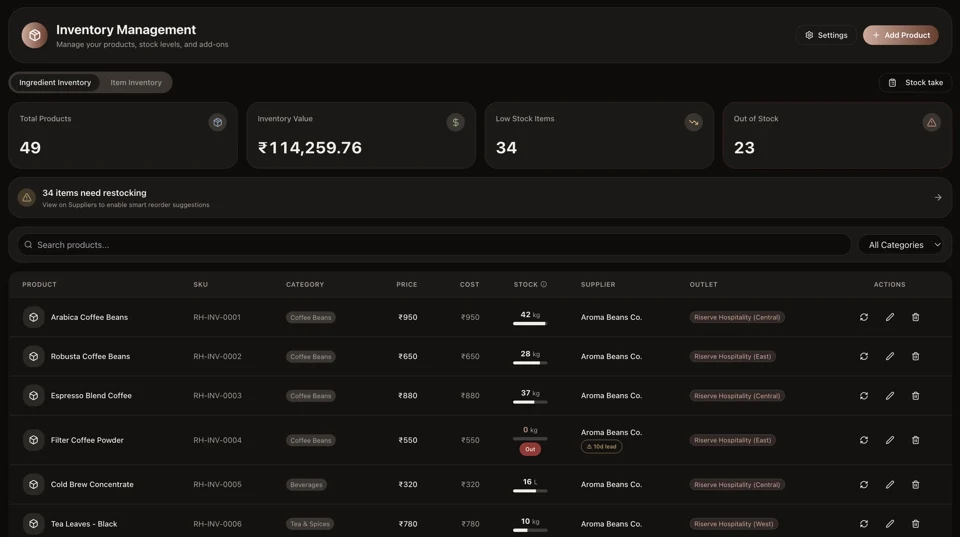
Inventory
Give stock a place in the daily operating picture, alongside the products sold and the locations that need them.
Explore the capability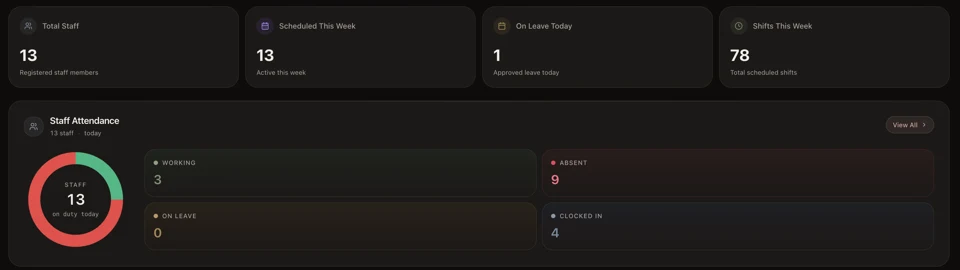 Run the operation
People
Keep staff and service responsibilities in the operating picture. Start with the team workflows your locations actually use.
Explore the capability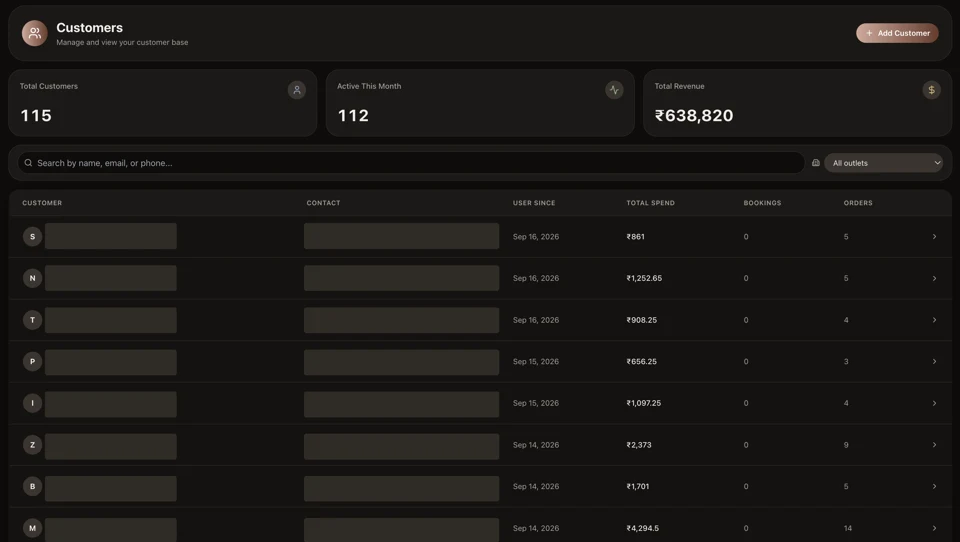 Run the operation
Customers
Bring profiles, activity and customer context into the work of serving people, from a first order to a return visit.
Explore the capabilityA few practical questions.
Is Workflows a separate product?
It is a capability within Ri’SERVE Operations. Choose the combination that fits the work you do.
Can I use HQ as well?
HQ is a distinct operating-intelligence offering. Explore the sample and confirm how your operational systems can connect.
Explore HQHow do I confirm the right setup?
Start with your operational needs. The team can confirm capability scope, integration requirements and current commercial terms.
Find your starting point
Many locations, one operating picture. HQ reads the signals across them.
Ri’SERVE for multi-locationYOUR NEXT CHAPTER
Start with the work.
Build from there.
One capability, one location or a clearer view across the business. Find the right place to begin.
Start free. Add capabilities as you grow.