

Make room for a better day.
Organize appointments and service work around customers, staff and the time available. Give the team a shared view of what comes next.
Start with Ri’SERVESee reservations by time, table and location.
Detail view. Captured app view · Personal details obscured.THE WORK, IN VIEW
Give every reservation a place.
Explore the table layout in the floor-plan designer. These views show restaurant table reservations.
Arrange tables and zones in the floor-plan designer.
Detail view. Captured app view.From the first step.
To the next person.
Choose a service
Find a time
Assign the team
Manage the visit
Useful on its own.
Better in context.
Bookings and service management within Ri’SERVE Operations.
Customer context for each visit, alongside the schedule.
Review the staff and resource setup your services need.
Keep the context connected.
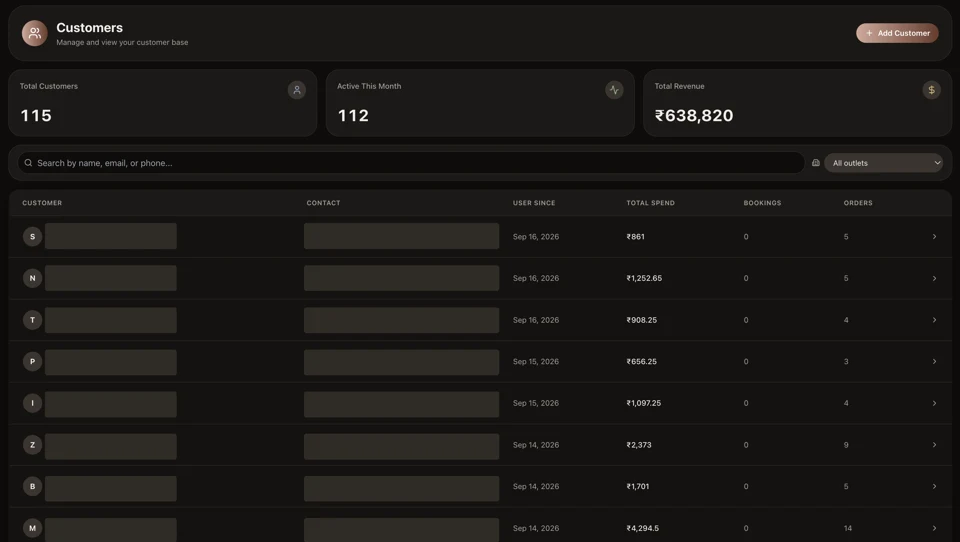 Run the operation
Customers
Bring profiles, activity and customer context into the work of serving people, from a first order to a return visit.
Explore the capability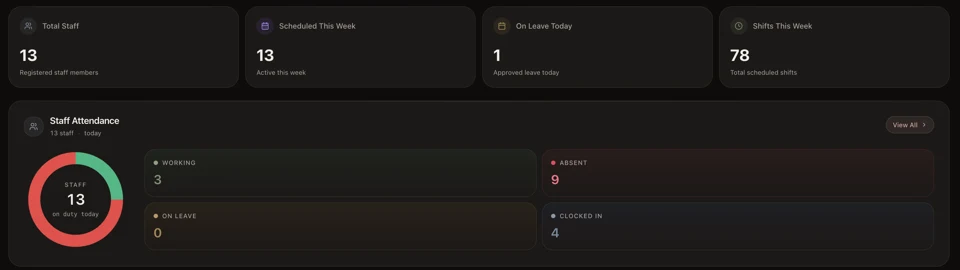 Run the operation
People
Keep staff and service responsibilities in the operating picture. Start with the team workflows your locations actually use.
Explore the capability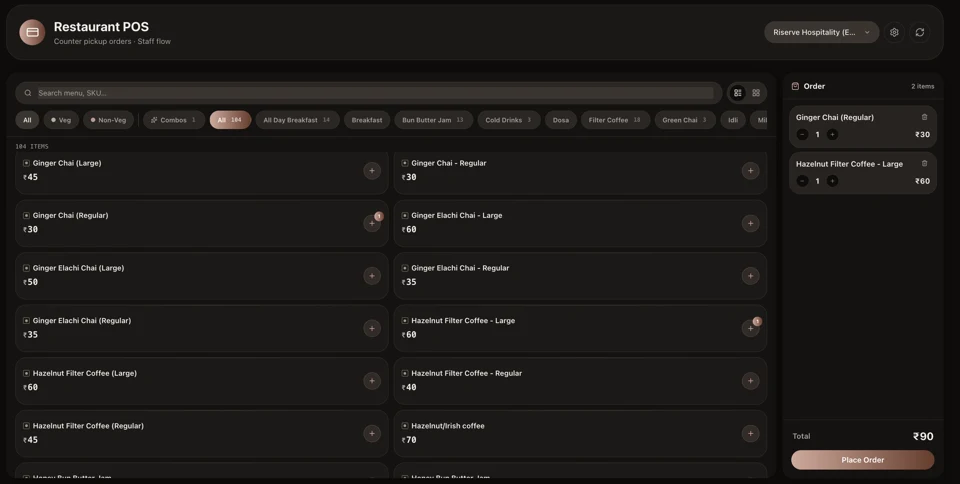 Run the operation
Payments
Keep the sale, invoice and payment record in context. Give the daily close a clearer operational starting point.
Explore the capabilityA few practical questions.
Is Bookings a separate product?
It is a capability within Ri’SERVE Operations. Choose the combination that fits the work you do.
Can I use HQ as well?
HQ is a distinct operating-intelligence offering. Explore the sample and confirm how your operational systems can connect.
Explore HQHow do I confirm the right setup?
Start with your operational needs. The team can confirm capability scope, integration requirements and current commercial terms.
Find your starting point
Built for the pace of service. From the first order to the last handoff.
Ri’SERVE for restaurantsYOUR NEXT CHAPTER
Start with the work.
Build from there.
One capability, one location or a clearer view across the business. Find the right place to begin.
Start free. Add capabilities as you grow.